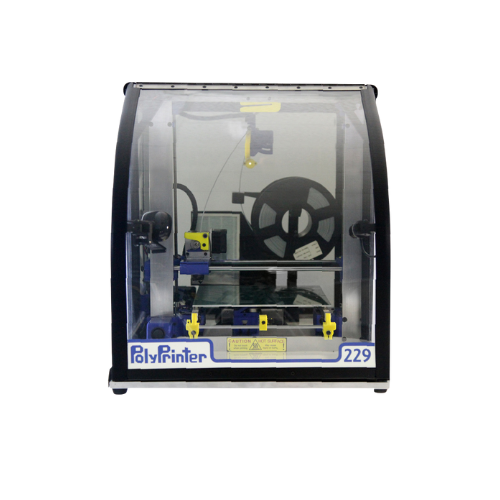
Getting Started
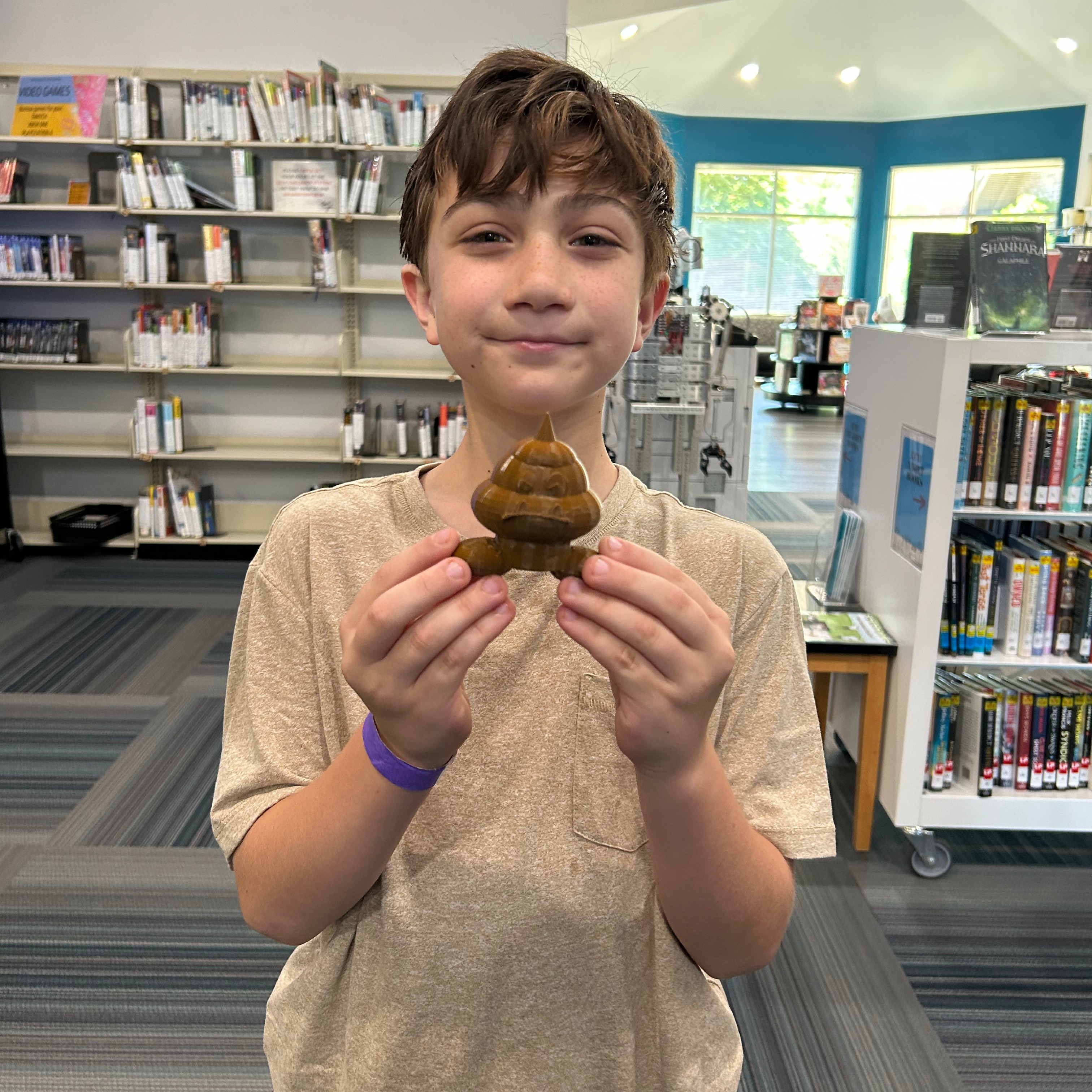
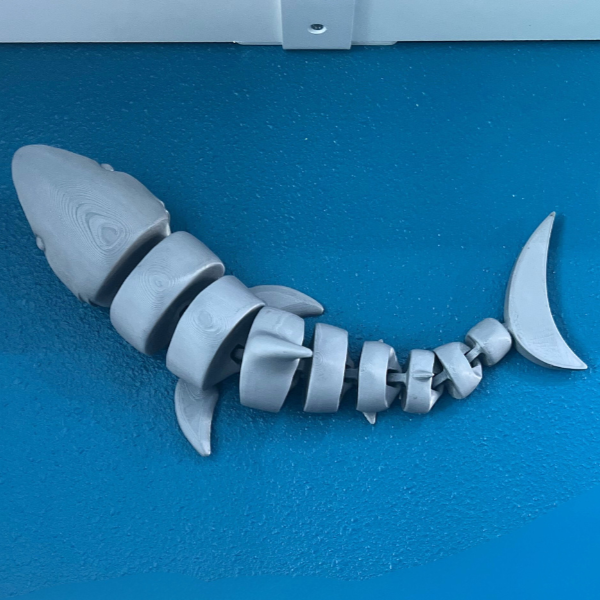
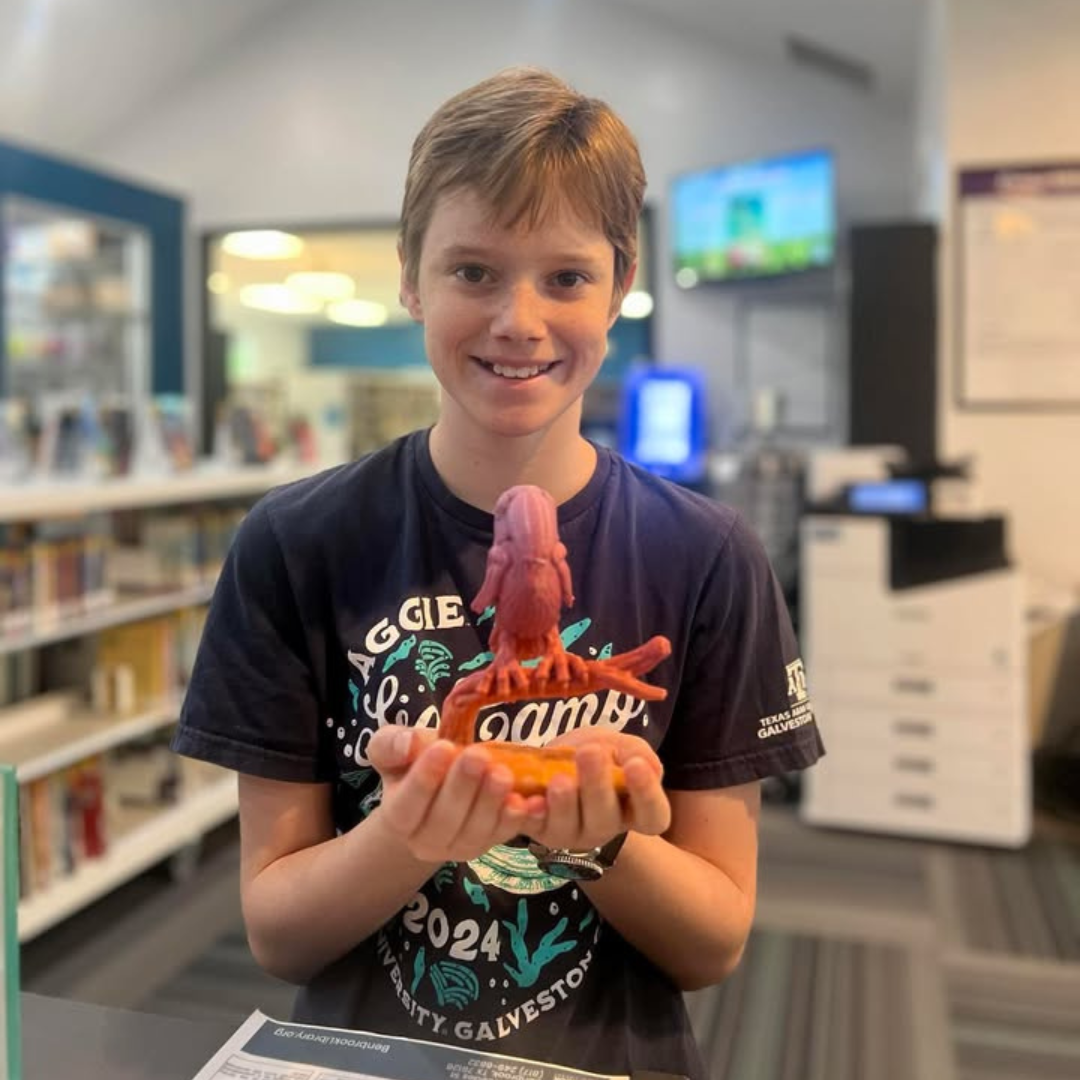
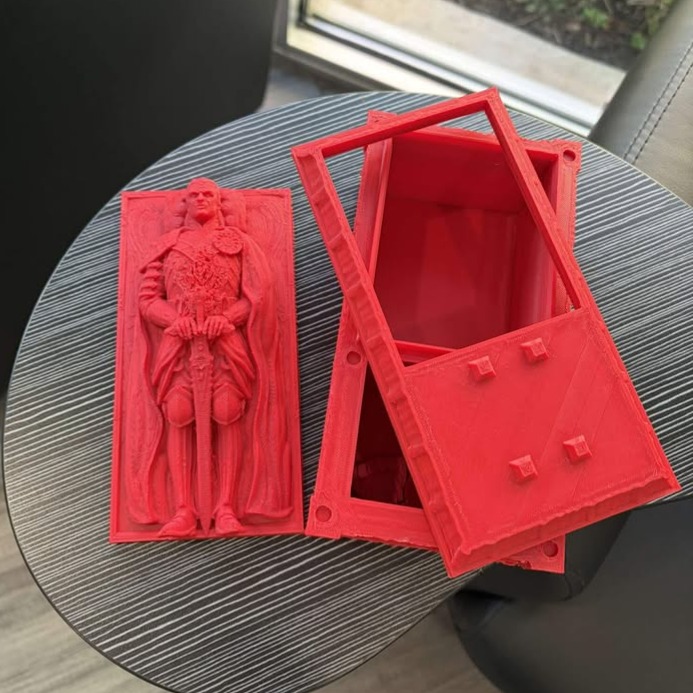
- Start by choosing a design to print. Many websites such as Thingiverse.com that provides free ready to print designs.
- All files must be in STL format.
- Please keep in mind that depending on the object's size, your project may take anywhere from 1 to 6 hours, with larger jobs taking longer. Please allow us until the next day to return to the library to pick up your projects.
How to Use
- Gather your supplies! You will need your STL formatted design you want to print on a USB and the filament in the colors you would like your 3D print to be.
- Load the 3D printer with the filament and insert your USB.
- Please ask a MakerSpace staff member if you need assistance, they are happy to help!
- Follow the prompts or allow a MakerSpace staff member to set up the printer.
Please contact our friendly MakerSpace staff for any questions or concerns regarding MakerSpace appointments or equipment. Please email Ted, and allow 2-3 business days for a response. We're here to help you learn and create!