Pricing
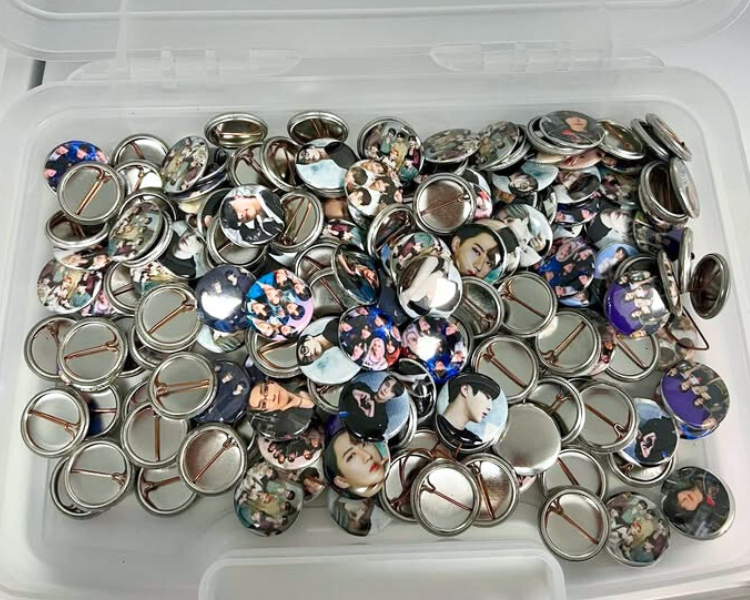
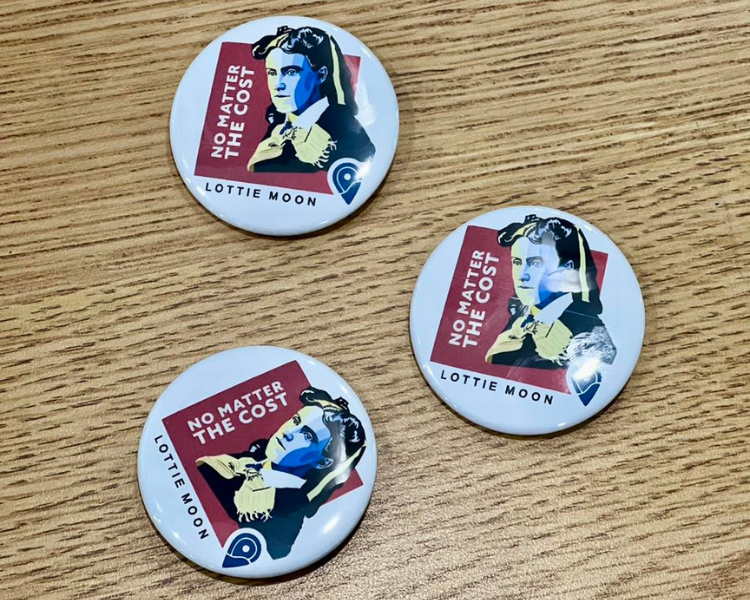
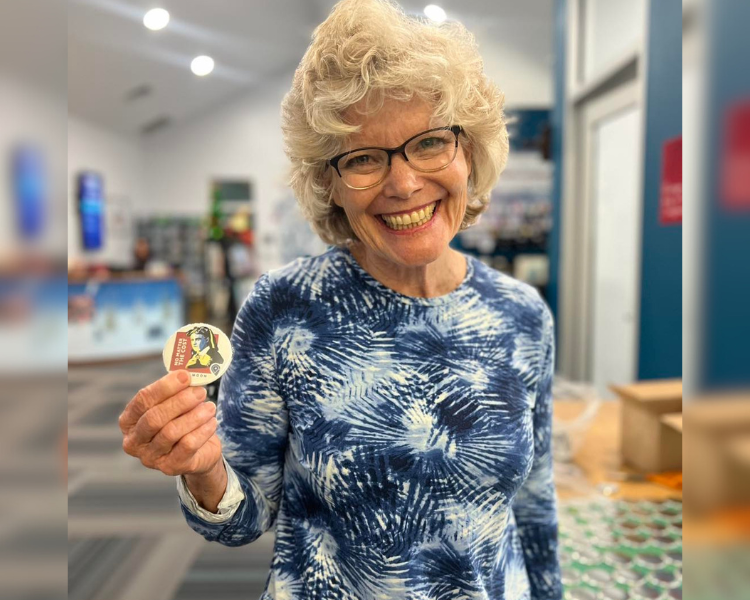
Cost is calculated by the size of the button you use and the number of buttons you make, plus tax.
- 1" Button = 10¢ per button
- 1.5" Button = 10¢ per button
- 2.25" Button = 15¢ per button
- Printing = 25¢ per page
The MakerSpace is completely free to use if you bring in your own materials.
Purchasing materials is best when making things in large quantities.
Materials
If you would like to purchase your own materials to be able to use the MakerSpace for free, below we have linked the exact compatible items. If you buy materials other than buttons, please be sure they are still in the sizes mentioned below. Purchasing materials is best when making things in large quantities.
Getting Started
- Decide what you want to create and determine the size of the item using the dimensions above.
- Create your design or choose an image and size it accordingly.
- We highly recommend Canva, a free, user-friendly design tool that allows you to choose thousands of graphics and images for free downloading.
- We also recommend Windows Publisher to create and size your work. The Benbrook Public Library has the program available on all library computers for patron use!
- Print and cut them out by hand or request to use the Cricut.
- The Cricut machine will allow you to print and cut using one machine. The Cricut is available to patrons through the MakerSpace and through The Library of Things collection.
- Book an appointment and email Ted with any questions or requests you may have. Preparing equipment or software ahead of time helps us, help you!
How to Use
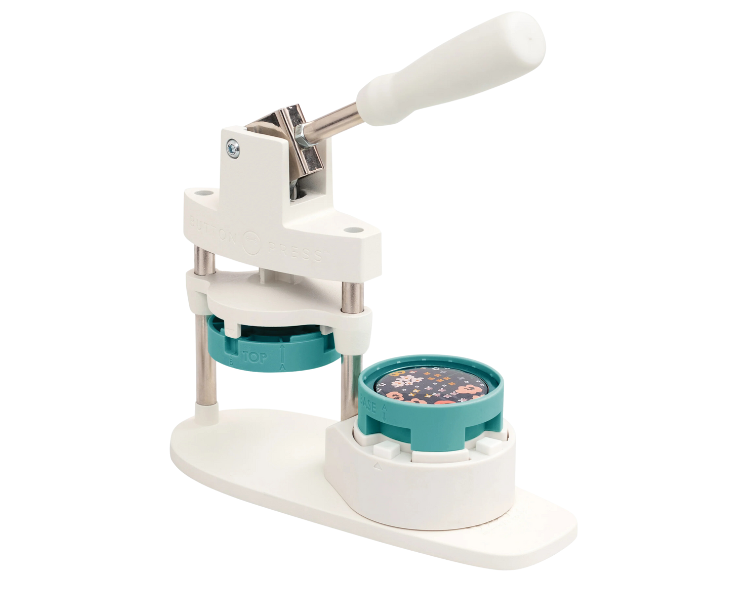
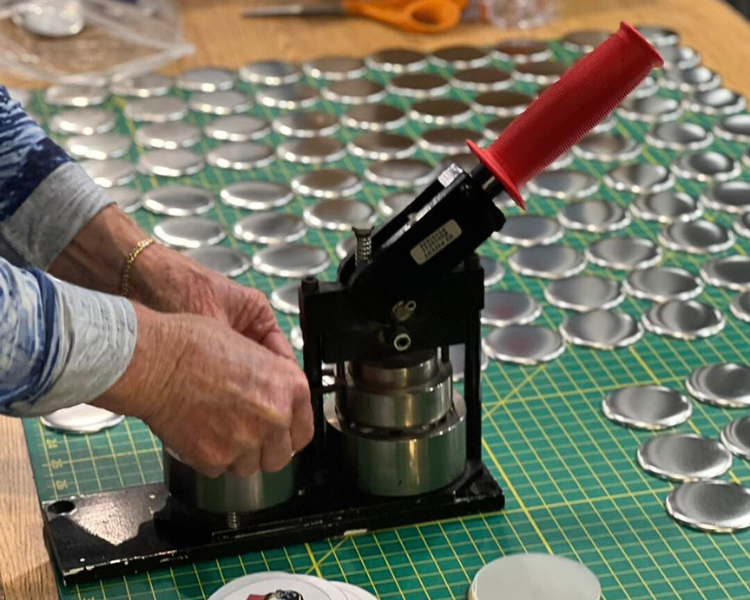
- Gather your supplies! You will need the button press, the backs of the buttons, lock pins, your cut-out designs, and the clear plastic film with the corresponding size or the metal button backs.
- Place a metal backing into the button press facing up (no lock pin) into the canister it fits best. Layer your cut-out design on top of the metal backing then place the clear plastic film on top.
- Rotate your filled canister under the base of the lever and press down firmly.
- Remove your button from the press and place a safety pin in the metal backing. (Carful not to poke yourself by placing the sharp part of the lock pin behind itself before inserting it.)
Please contact our friendly MakerSpace staff for any questions or concerns regarding MakerSpace appointments or equipment. Please email Ted, and allow 2-3 business days for a response. We're here to help you learn and create!