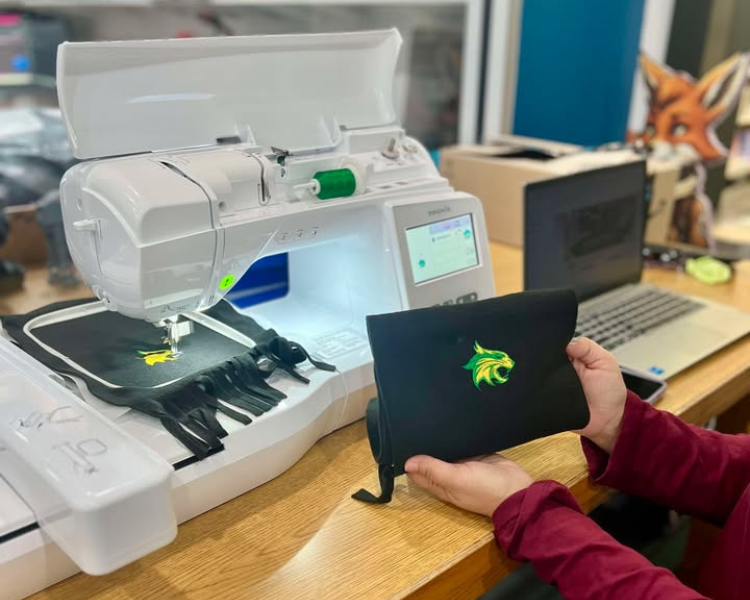
Cost is calculated by the materials used and the number of stitches, plus tax.
Needle & Bobbin = $2
10" Stabilizer = 50¢
12" Stabilizer = 75¢
Stitch Count = 10¢ per 1,000 (minimum $1)
Getting Started
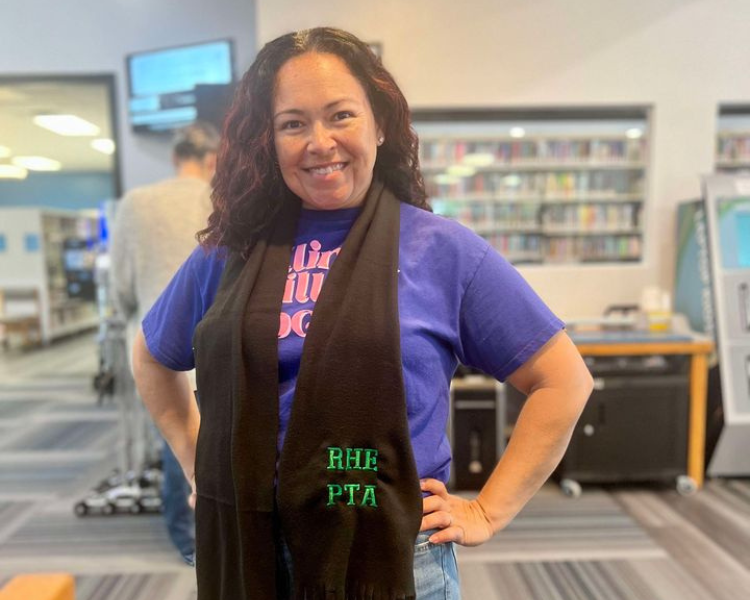
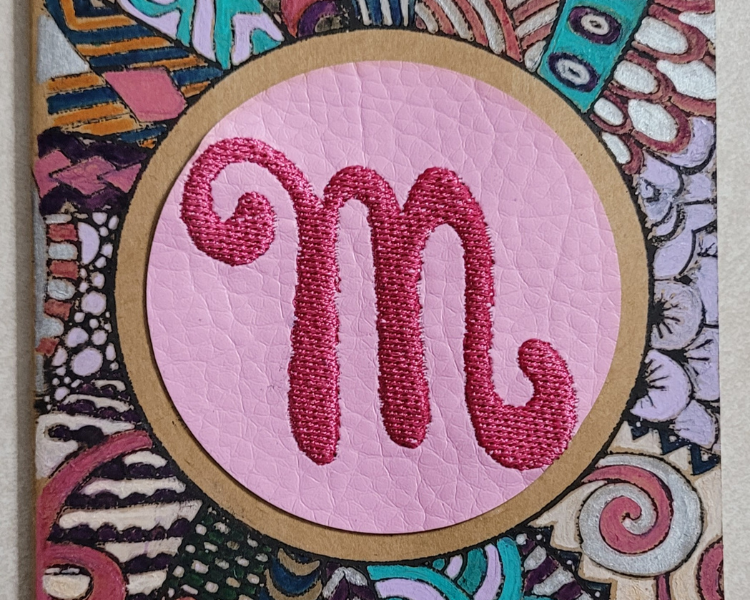
Choose the item(s) you would like to embroider and the design you want to embroider. You can embroider apparel, hats, home decor, accessories, and more.
You can browse from the designs and patterns directly from the embroidery machine, or you can use one you made or one you've purchased.
You can upload a design through a USB as one of the following file types: .pes, .phc, .pen, .dst, .fcm, .svg, .jpeg, .png
How to Use
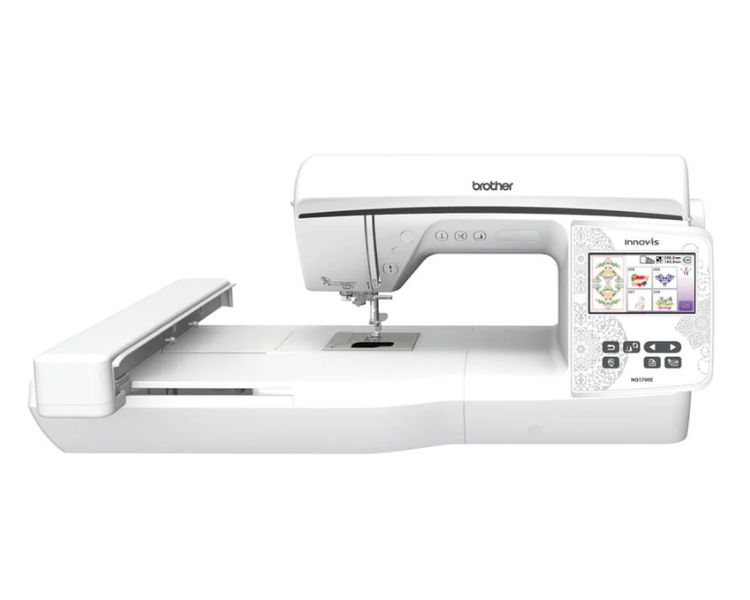
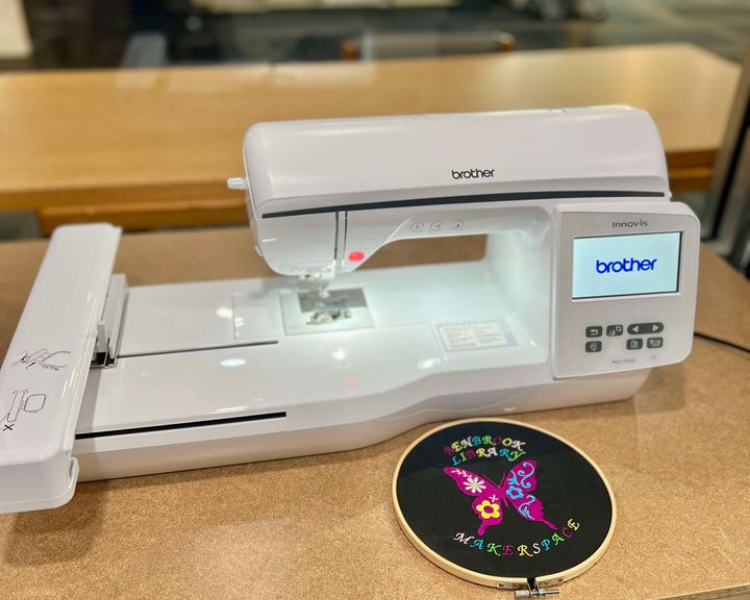
Gather your supplies! You will need the embroidery machine, thread in the color(s) you want to use, a hoop frame in the appropriate size, stabilizer sheets, the design, and the item you want to embroider.
Follow the prompts to set up the machine or ask for help from one of our MakerSpace staff!
Place your item with a stabilizer sheet on top, then place that inside the hoop frame.
Place the hoop frame at the base of the embroidery machine and secure it with the latch on either side.
Start the machine after selecting your design and let the embroidery machine do the rest!
Please contact our friendly MakerSpace staff for any questions or concerns regarding MakerSpace appointments or equipment. Please email Ted, and allow 2-3 business days for a response. We're here to help you learn and create!