Getting Started
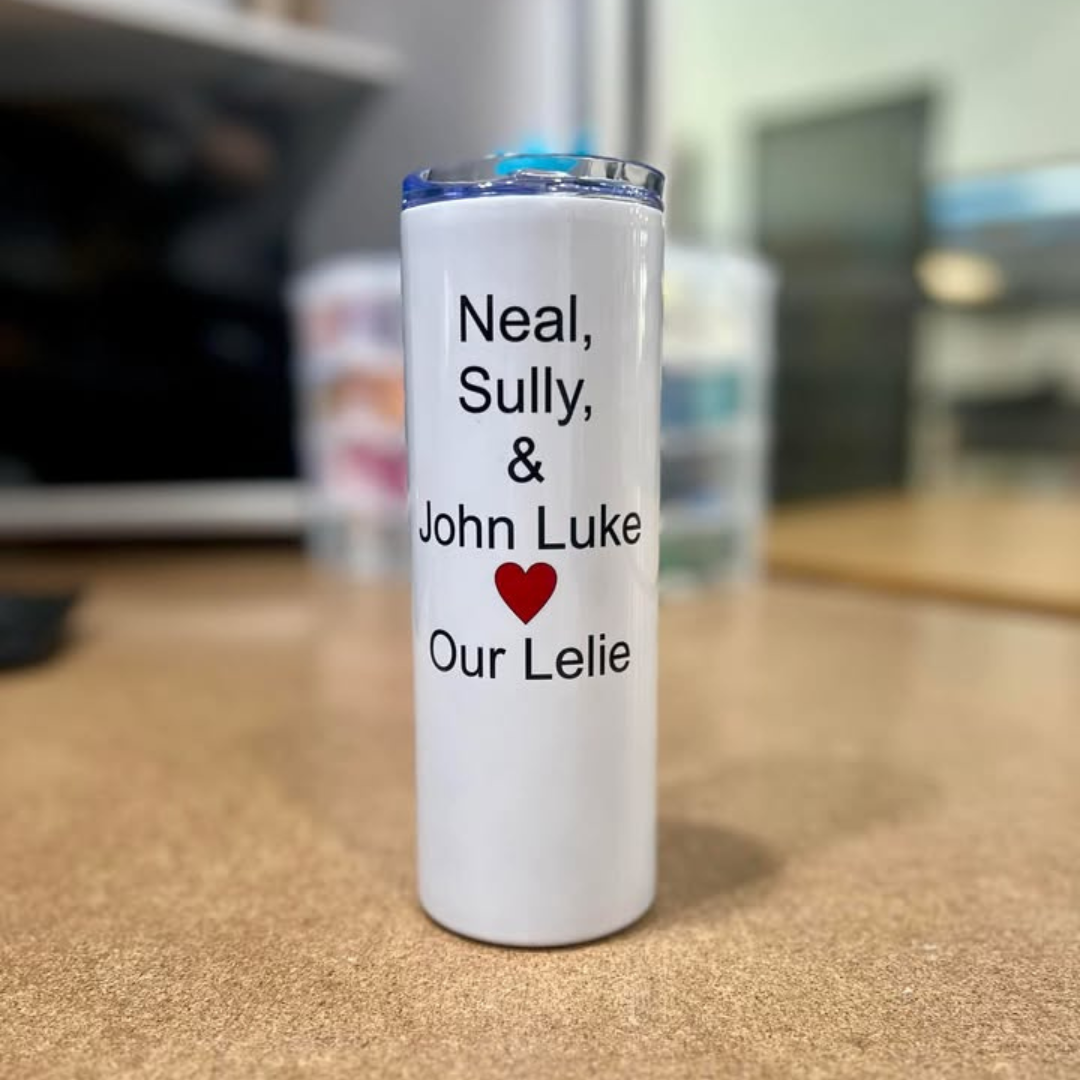
- Create your design or choose an image and size it. Be sure to flip your text or image when creating or printing your design. Designs will always be placed ink-side down and will reverse.
- We highly recommend Canva, a free user-friendly design tool that allows you to choose thousands of graphics and images with free downloading.
- We also recommend Windows Publisher to size your work. The Benbrook Public Library has the program available on all library computers for patron use!
How to Use
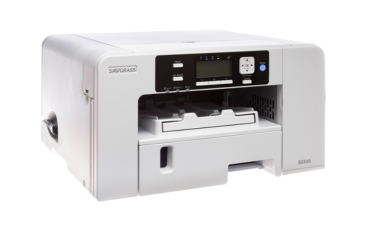
- Gather your supplies! You will need the transfer paper of your choosing, and the sublimation printer.
- Be sure to invert any text or images you want to be printed in the exact direction.
- Load your paper and adjust settings if needed to start printing.
Please contact our friendly MakerSpace staff for any questions or concerns regarding MakerSpace appointments or equipment. Please email Ted, and allow 2-3 business days for a response. We're here to help you learn and create!